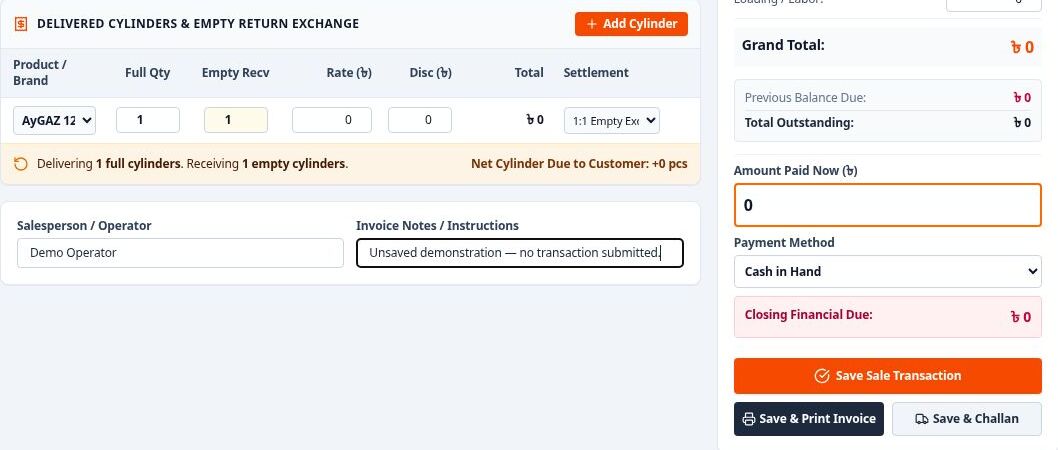
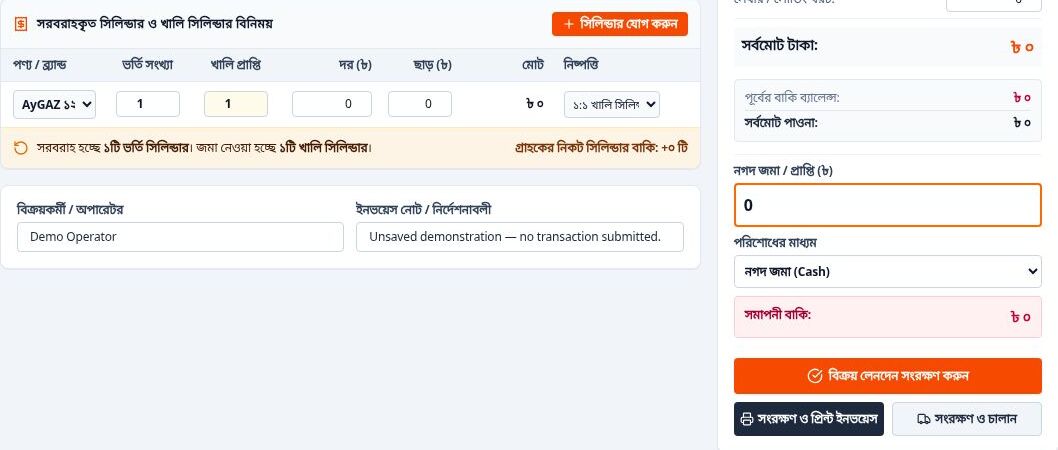
USB Shield — Windows USB Drive Protection Utility
A Python/Tkinter utility by Makezaa Studio combining optional backup, NTFS formatting and root-level write restrictions to reduce unwanted shortcut/script creation on USB drives.
Project Overview
USB Shield is a Windows desktop utility created by Makezaa Studio to make USB-drive preparation and root-level write protection easier to manage. Built by Sami under the XDR-SAM developer identity, it combines an optional backup-and-restore workflow, NTFS formatting and Windows access-control rules in a compact graphical application.
The project focuses on a familiar problem: removable drives that collect unwanted shortcuts and scripts when connected to different computers. Its approach is to restrict new files at the drive root while keeping a dedicated folder available for everyday documents.
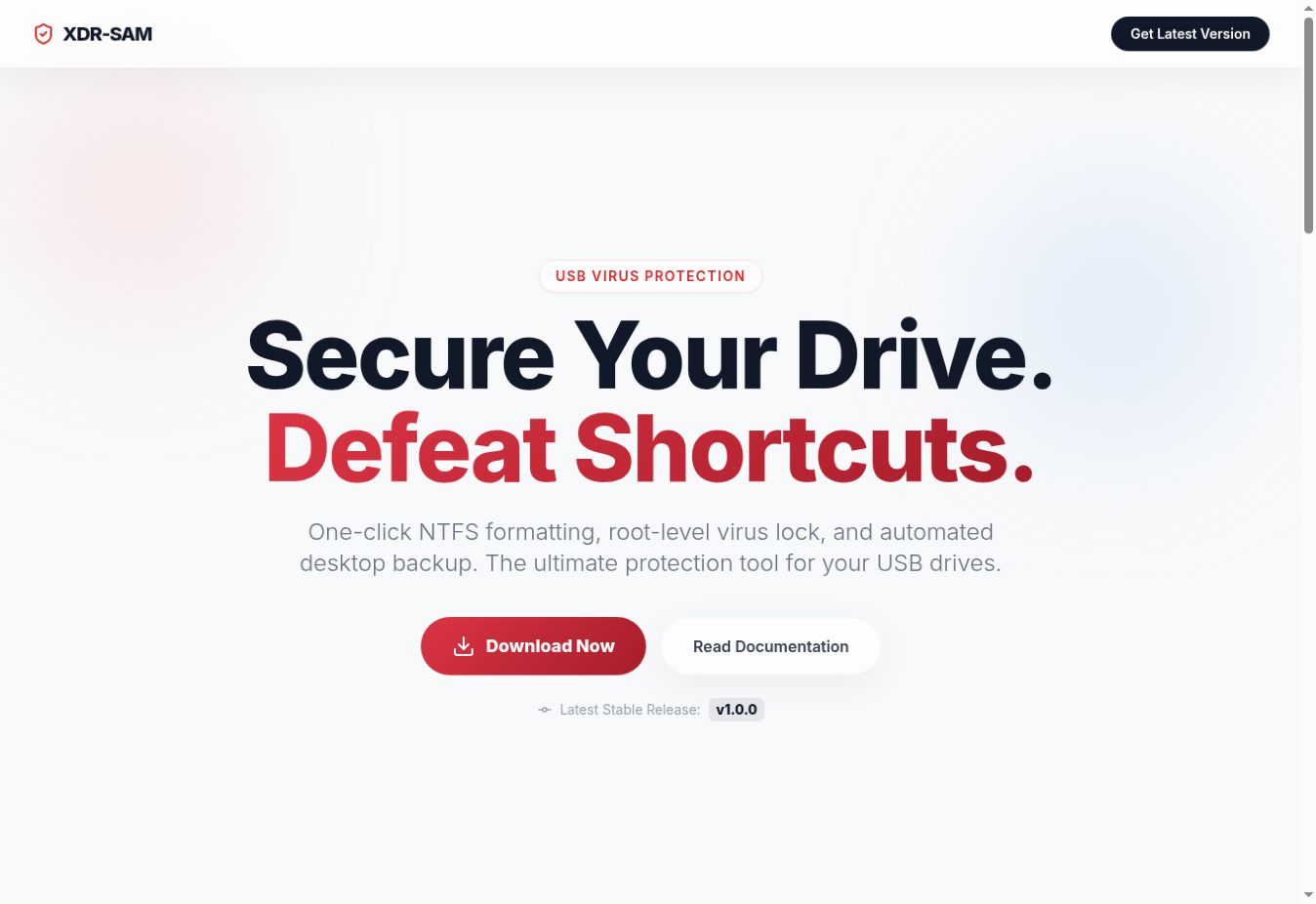
Actual USB Shield product website, captured on 14 October 2026. This is the project's landing page, not the Windows application interface. Development: Makezaa Studio.
How the Workflow Is Implemented
- Select a removable drive: the Python application queries Windows logical drives and displays removable volumes in a read-only dropdown, with a refresh action.
- Optionally back up files: a default-enabled checkbox controls Robocopy backup to a drive-specific folder on the Desktop. The implementation excludes the System Volume Information directory and files ending in
.lnk,.vbsand.bat. A reported backup-command failure aborts formatting. - Quick-format as NTFS: the selected drive is reformatted, erasing its existing filesystem contents. The application then creates a
My_Filesfolder. - Apply root-level permissions: Windows
icaclsrules deny Write Data and Append Data at the drive root, while a separate grant gives access insideMy_Files. - Restore and finish: when automatic backup is enabled, files are copied into
My_Files. The application removes hidden/system attributes from that folder and cleans up the temporary backup after the restore command succeeds.
Application Features
- Windows removable-drive discovery and a selectable drive list.
- Administrator-elevated launch through the Windows UAC mechanism.
- Optional filtered backup and restore using the operating system's Robocopy utility.
- A staged progress bar and an in-window process log.
- A background worker for the operation sequence and a queue-driven log display.
- A confirmation prompt before the selected drive is processed.
- A public documentation and download website with GitHub release lookup.
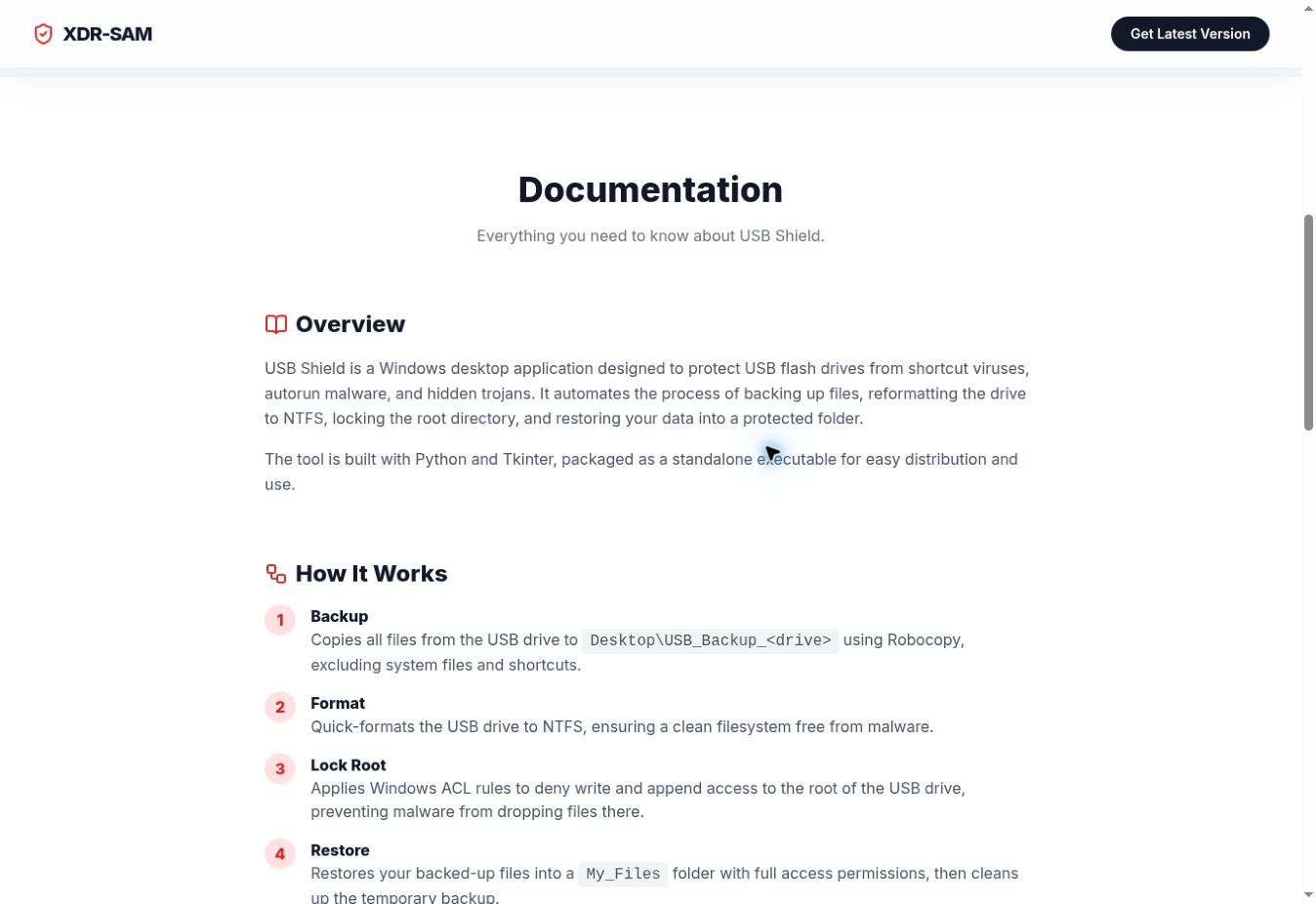
Actual public documentation page showing the intended workflow. Website copy is presented as project material; the implementation and limitations are described separately in this portfolio.
Technology and Architecture
The desktop application uses Python, Tkinter and ttk. Windows APIs are accessed through ctypes for privilege checks and drive discovery; subprocesses run the Windows formatting, Robocopy, ACL and attribute commands. The project documentation describes PyInstaller packaging for standalone Windows distribution.
The accompanying product site is built with HTML, Tailwind CSS, JavaScript and Lucide icons. Its download interface queries the GitHub Releases API. The verified public site is deployed on Vercel.
Protection Scope and Data Handling
USB Shield formats the selected drive. Users should verify the drive selection and keep an independent backup of important files. The built-in backup deliberately excludes several file types; it is not a complete copy of every file and is not a substitute for a separately verified backup. Turning automatic backup off removes the application's backup-and-restore step.
The ACL workflow is intended to reduce unwanted root-level file creation. It is not a signature-based antivirus scanner, does not inspect file contents for malware and does not provide a guarantee against all USB threats. Files restored into the writable folder can still contain harmful content. NTFS permissions also depend on how the host operating system enforces them, and NTFS can affect compatibility with devices expecting other filesystems.
The repository documents Windows 10/11 and Python 3.8 or later for running from source, with administrator privileges required. This portfolio was prepared from source inspection and the live website; no drive was formatted and no independent malware-resistance or executable-signing test is claimed.
Project Links and Credits
Visit the USB Shield product website
Design and development: Makezaa Studio · Sami / XDR-SAM. Screenshots are genuine captures of the owner-authorised public project website.